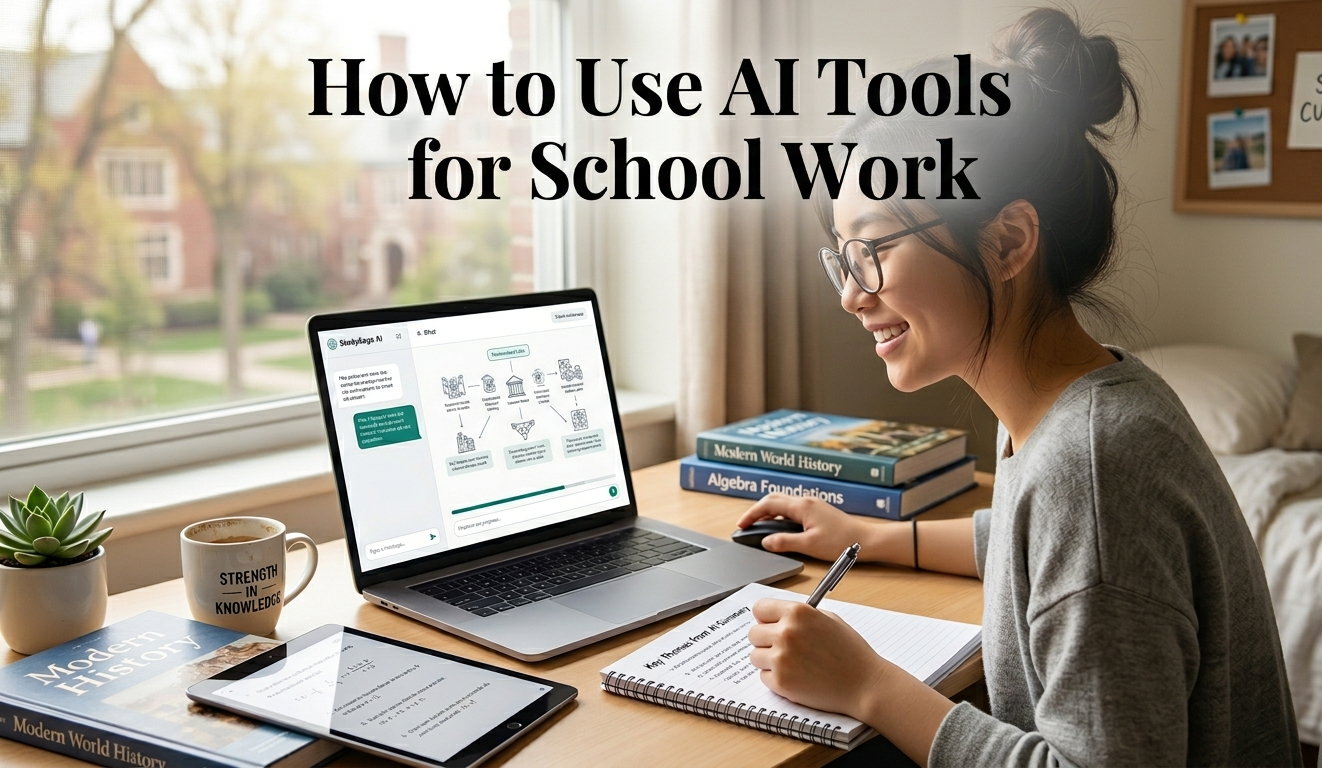
How to Use AI Tools for School Work (A Practical Guide for Students in 2026)
Artificial intelligence is quietly changing how students learn, research, and complete assignments. The question is no longer whether you should use AI—but how to use AI tools for school work effectively without becoming dependent on them.
Used the right way, AI can feel like a personal tutor, research assistant, and writing coach—all in one. Used the wrong way, it can weaken your understanding and even put your academic integrity at risk.
This guide takes a practical, real-world approach to help you use AI smarter, not lazier.
Key Takeaways
- AI works best as a support tool, not a replacement for thinking
- Use AI for research, explanation, outlining, and editing
- Always fact-check AI outputs before submitting work
- Personalize AI-generated content to avoid plagiarism and detection
- Combine multiple AI tools for better results
- Focus on learning—not just finishing assignments faster
Understanding AI Tools in Education
Before diving into usage, it helps to understand what AI tools actually do.
AI tools process large amounts of data and generate responses based on patterns. They don’t “know” things the way humans do—they predict what should come next.
For students, this means:
- They are great at explaining concepts
- They can summarize complex information
- They can help structure your work
But they can also:
- Make mistakes
- Give outdated or incorrect answers
- Sound generic if not guided properly
That’s why your role is still essential.
How to Use AI Tools for School Work (Step-by-Step)
1. Use AI for Understanding Difficult Topics
Instead of copying answers, start by asking AI to explain topics you don’t understand.
Example:
If you’re struggling with biology:
- Ask: “Explain photosynthesis in simple terms with examples”
Then:
- Ask follow-up questions
- Request analogies
- Ask for real-life applications
Why this works:
It turns AI into a teacher, not a shortcut.
2. Use AI for Research (But Not Blindly)
AI can speed up research significantly, but it shouldn’t replace proper sources.
Smart way to use it:
- Ask for an overview of a topic
- Request key points or summaries
- Use it to generate research questions
Then:
- Verify information from textbooks or trusted websites
- Add your own interpretation
Pro Tip:
Think of AI as a starting point, not the final answer.
3. Generate Assignment Ideas and Outlines
One of the hardest parts of school work is knowing where to start.
AI can help you:
- Brainstorm ideas
- Create essay outlines
- Structure arguments
Example Prompt:
“Create an outline for an essay on climate change effects in Africa”
You’ll get:
- Introduction ideas
- Main points
- Logical flow
From there, you build your own content.
4. Improve Your Writing (Without Copying)
AI tools are excellent writing assistants.
Use them to:
- Fix grammar mistakes
- Improve sentence clarity
- Suggest better vocabulary
Example:
Paste your paragraph and ask:
“Rewrite this in a clearer and more natural way”
Important:
Always edit the result to match your voice.
5. Use AI for Summarizing Notes
If you have long notes or textbooks, AI can simplify them.
You can:
- Paste long content
- Ask for summaries
- Request bullet points
Benefit:
- Saves time
- Makes revision easier
6. Practice With AI (Like a Tutor)
AI can simulate quizzes and tests.
Try this:
- “Ask me 10 questions about World War II”
- “Give me multiple-choice questions on algebra”
Why this is powerful:
- Reinforces learning
- Helps you prepare for exams
7. Use AI for Coding and Technical Subjects
If you’re studying programming or technical courses, AI can:
- Explain code
- Debug errors
- Suggest improvements
Example:
“Why is this Python code not working?”
This saves hours of frustration.
Common Mistakes Students Make
Even though AI is powerful, many students misuse it.
❌ Copying and submitting AI answers directly
This leads to:
- Poor understanding
- Risk of plagiarism
❌ Over-reliance
Depending too much on AI reduces critical thinking.
❌ Not verifying information
AI can be wrong, especially with facts and data.
Best Practices for Using AI in School
✔ Always Add Your Own Thinking
After using AI:
- Rewrite content in your own words
- Add personal examples
- Include your opinions
✔ Combine AI With Real Study Methods
Use AI alongside:
- Textbooks
- Class notes
- Teacher guidance
✔ Ask Better Questions
The quality of AI answers depends on your prompts.
Weak prompt:
“Explain history”
Better prompt:
“Explain the causes of World War I in simple terms with examples”
✔ Use Multiple AI Tools
Different tools have different strengths:
- Some are better for writing
- Others for research
- Others for coding
Using more than one gives better results.
Real-Life Example: Using AI for an Essay
Let’s say you have an assignment:
Topic: The impact of social media on students
Step 1: Research
Ask AI:
- “Give me key points on how social media affects students”
Step 2: Outline
Request:
- “Create a structured essay outline”
Step 3: Write Draft
Use your own understanding + AI suggestions
Step 4: Edit
Ask AI to:
- Improve grammar
- Make sentences clearer
Step 5: Final Review
- Check facts
- Add your personal insights
This approach ensures:
- Original work
- Better understanding
- Higher grades
Ethical Use of AI in School
Using AI is not cheating—misusing it is.
Acceptable Use:
- Learning concepts
- Getting help with structure
- Improving writing
Unacceptable Use:
- Submitting AI-generated work as your own
- Using AI during exams (if not allowed)
- Avoiding learning completely
The Future of AI in Education
AI is becoming part of the education system.
Students who learn how to use AI tools for school work properly will:
- Study faster
- Understand better
- Gain a competitive advantage
Those who misuse it will struggle in the long run.
Final Thoughts
AI is like a calculator for your brain.
It can make things faster and easier—but only if you already understand the basics.
The smartest students in 2026 are not the ones who avoid AI.
They are the ones who use it wisely, question it, and improve on it.
If you treat AI as a partner—not a shortcut—you’ll get better results in school and beyond.
FAQ: How to Use AI Tools for School Work
1. Is it okay to use AI for school assignments?
Yes, as long as you use it for support (research, editing, ideas) and not for copying answers directly.
2. Can teachers detect AI-generated content?
Yes, sometimes. That’s why you should always rewrite and personalize your work.
3. What is the best way to use AI for studying?
Use it to:
- Explain difficult topics
- Create practice questions
- Summarize notes
4. Are free AI tools enough for students?
Yes. Many free AI tools are powerful enough for research, writing, and studying.
5. Does using AI improve grades?
It can—if used correctly. AI helps you learn faster, but your understanding still matters most.
About The Author

Leave a Reply